
SlideShare vs Google Slides — Full Comparison 2026
SlideShare vs Google Slides — Which One Should You Use?
The confusion between SlideShare and Google Slides is understandable — both involve presentations and both live in a browser. But they are built for completely different jobs, and choosing between them is less about features and more about what you are actually trying to do.
What Each Platform Is Actually Built For
Google Slides is Google’s cloud-based alternative to Microsoft PowerPoint. You build presentations inside it, collaborate with teammates in real time, and share results via a link. It is a tool for making things.
SlideShare is a presentation hosting and discovery platform — closer in concept to YouTube than to PowerPoint. You upload a finished presentation and it becomes searchable and embeddable. People find it organically. It is a tool for publishing things and reaching an audience.
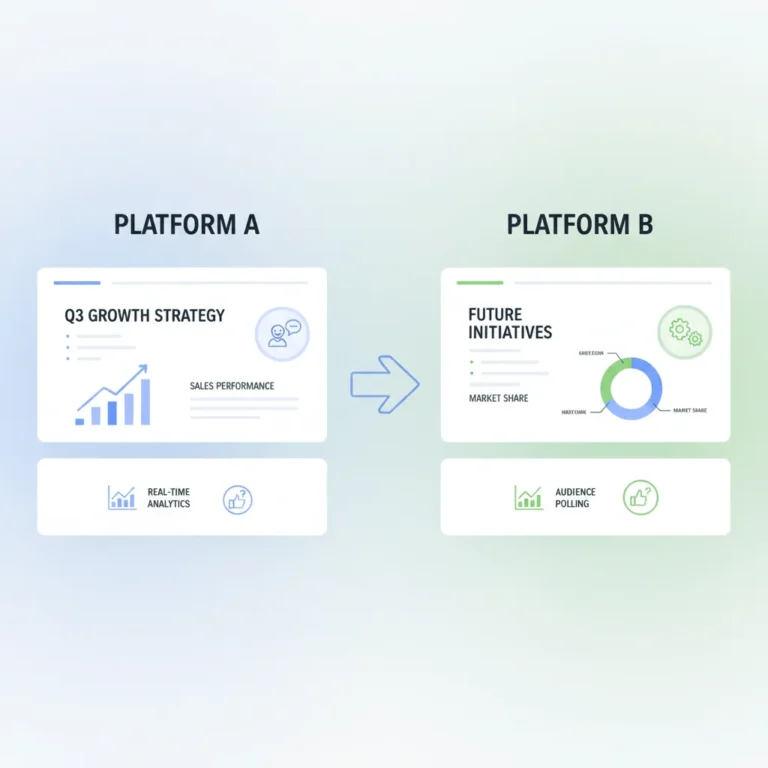
The practical workflow for many professionals: create in Google Slides → export as PPTX → upload to SlideShare for public reach. The two tools complement each other rather than compete.
Feature Comparison
| Feature | SlideShare | Google Slides |
|---|---|---|
| Create presentations | ❌ Upload only | ✅ Full editor |
| Real-time collaboration | ❌ No | ✅ Multiple editors simultaneously |
| Public discovery via search | ✅ Large audience, Google-indexed | ❌ Link-only sharing |
| Download as PPT/PDF | ⚠️ Subscription required | ✅ Free — any format |
| Offline access | ❌ Requires download | ✅ App works offline |
| Analytics (views, embeds) | ✅ Built-in | ❌ Not available |
| Embed on websites | ✅ Embed code provided | ✅ Via publish-to-web |
| Cost to use fully | ⚠️ Scribd subscription for downloads | ✅ Free with Google account |
| Mobile app | ✅ iOS and Android | ✅ iOS and Android |
Creating Presentations
Google Slides wins outright. SlideShare has no creation tools — it accepts uploads only. Google Slides gives you a full editor: themes, transitions, speaker notes, version history, real-time co-editing, and Google Workspace integration. For building presentations from scratch, there is no comparison.
Sharing and Reach
Depends on your goal. SlideShare wins for public reach — presentations published there appear in Google Search and on SlideShare’s own platform. A well-tagged presentation on a popular topic can attract thousands of views without any active promotion. This is why marketers, researchers, and educators use it to build visibility in their field.
Google Slides is for controlled sharing. You decide exactly who sees it — specific people, anyone with the link, or just yourself. There is no discovery mechanism. Nobody will find your presentation unless you give them the URL directly.
Downloading Presentations
Google Slides is free and simple. SlideShare requires a workaround.
In Google Slides: File → Download → choose your format. Free, instant, no account upgrade needed.
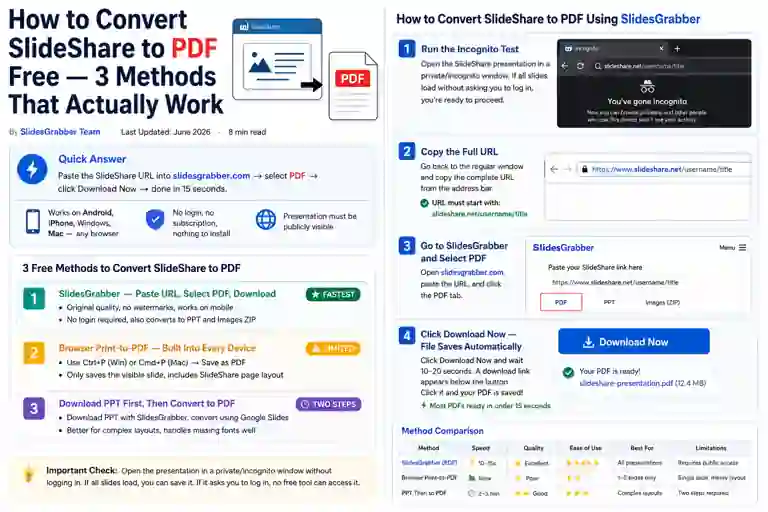
On SlideShare, downloading now requires a paid Scribd subscription. For presentations you find on SlideShare, use slidesgrabber.com — paste the URL and download as PPT, PDF, or Images for free. No account needed.
Which One Is Right for Your Situation?
| What You Need to Do | Use This |
|---|---|
| Build a presentation from scratch | Google Slides |
| Collaborate on slides with a team | Google Slides |
| Publish research or content publicly | SlideShare |
| Build professional visibility in a field | SlideShare |
| Find presentations on a topic | SlideShare |
| Present in a meeting or class | Google Slides |
| Download a SlideShare presentation | slidesgrabber.com |
| Embed slides on a website | Either — SlideShare for public, Google Slides for private |
Frequently Asked Questions
Found a presentation on SlideShare you want to keep? slidesgrabber.com downloads any public SlideShare presentation free as PPT, PDF, or Images. Also try the Scribd Downloader.